
Using myMPS Reports
Under the ‘Reports’ tab, you will find the following sections and reports:
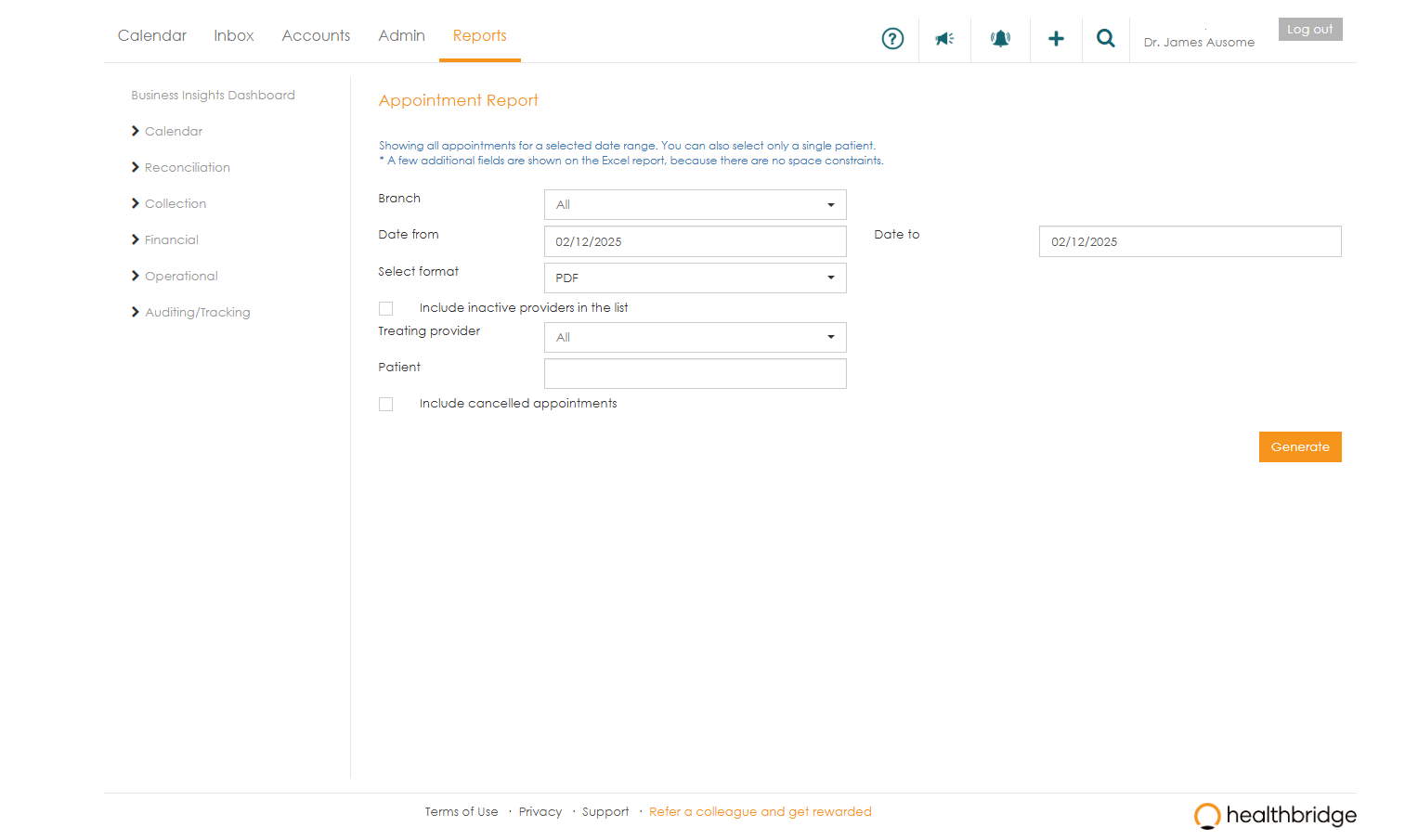
Calendar
- ‘Appointment report ’ - full view of all patients that visited the practice.
Reconciliation
- ‘View eRA’ - view any remittance that was sent to the system electronically.
- ‘View paper RA’ - view medical aid payments which have been manually captured on the system
- ‘eRA delivery schedule’ - shows you when you can expect to see remittances in the system for the next 3 months.
- ‘Collectable amounts report’ - view all invoices with patient liable amounts.
Financial
- ‘Age analysis report’ - view all invoices with outstanding balances in the different ageing periods.
- ‘Claim report ’ - view all claims that have been submitted using the system.
- ‘Credit notes report ’ - details credit notes that have been processed on the system
- ‘Insurance claims report’ - view details of medical insurance claims captured on the system.
- ‘Journal report ’ - details financial transactions coming from schemes.
- ‘Line items report’ - view the quantities and values of consumables and medicines that were billed during a selected period.
- ‘Monthly transaction report’ - view a summary of all medical aid transactions for the selected month.
- Payments report’ - view a detailed or summary view of all payments that have been captured on the system.
- ‘Private rates report’ - view the private rates for the practice, as defined for the selected year.
- ‘RA suspense report ’ - details all payments that couldn't be matched to a claim in the system.
- ‘Reversed transactions report’ - view all of the reversed transactions (invoices and credits) during a selected date range.
- ‘Unroutable claims report’ - view claims that could not be automatically routed by myMPS.
- ‘Write-off report ’ - view all patient liable amounts that have been written off as bad debt or small balance.
Operational
- 'Daily Transaction Report'- shows all the transactions captured for a specific day (or a date range less than a month), grouped by treating provider.
- 'Incomplete Contact Information Report' - This report lists patients who have incomplete contact information (cellphone numbers and email addresses).
- 'SMS Report' - shows SMSs sent over a selected date range.
Auditing/Tracking
- 'Inbox Completed/Discarded Report' - shows, per user, which Inbox actions have been actioned and which have been discarded.
- 'Inbox Invoice Changes Report' - shows, per user, which invoices have been altered when they have been actioned via the Inbox.
Working with report parameters
Each report has a defined set of parameters/filters that you are able to make use of to filter the data that is returned in the report.
For large reports, eg. the ‘ Age analysis report ’, you have the option to email the report through rather than waiting for it to be generated. This will save you a great deal of time compared to waiting for the reports to be generated.
